The idea
The Pack is basically a shortcut: tools and credits that would normally cost money, bundled for students. The mistake I see is claiming random offers and never turning them into a workflow.
My rule of thumb
Claim benefits in the order you’ll actually use them: build faster → ship online → learn with purpose.
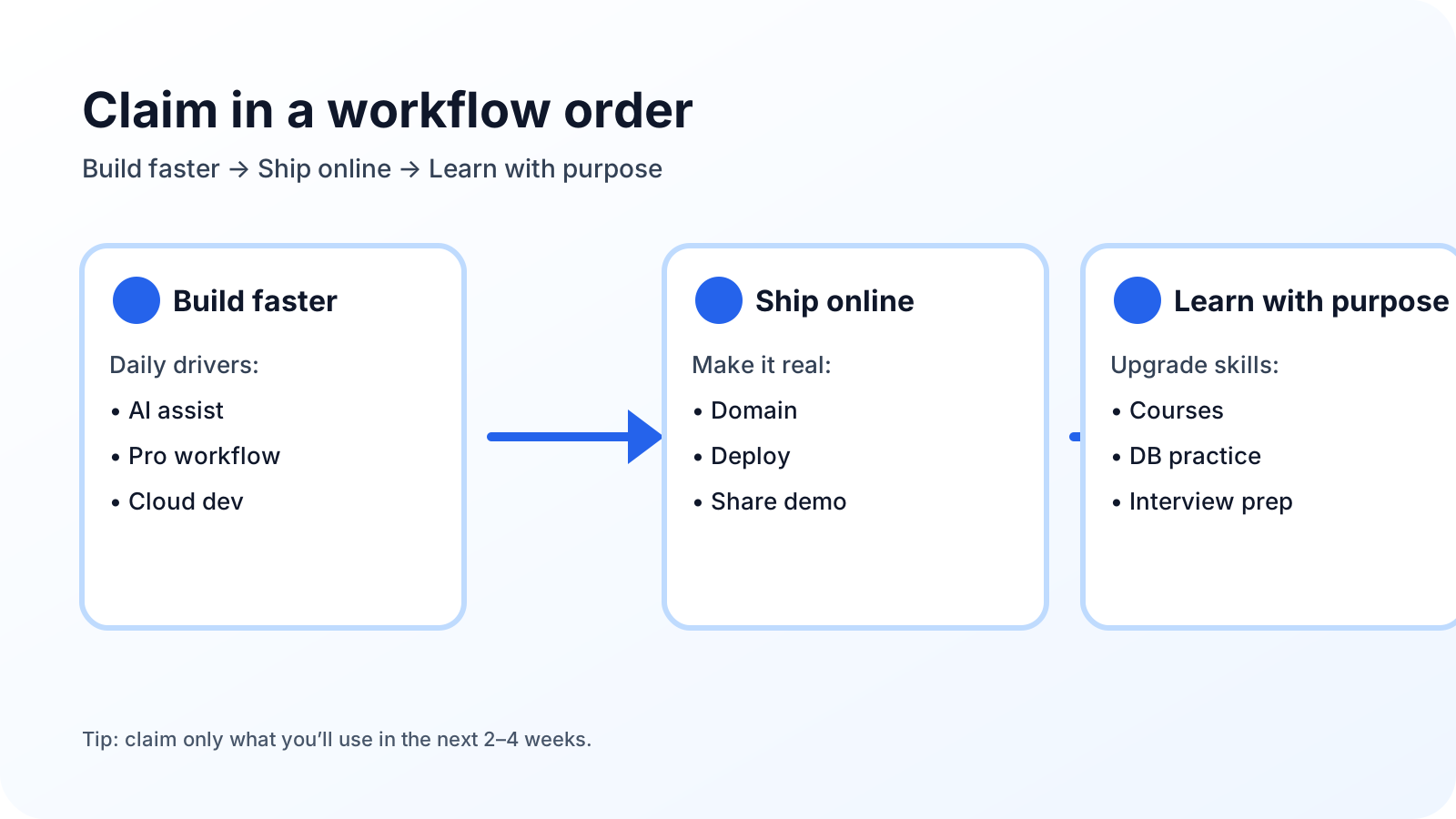
Claim-first shortlist (high ROI)
1) GitHub Copilot
If you code daily, this is one of the highest-ROI benefits. Use it to speed up repetitive coding, refactors, and “first draft” implementations.
2) GitHub Pro features
This upgrades your GitHub experience for real projects. It’s easy to underestimate until you’re shipping and collaborating.
3) GitHub Codespaces
Perfect when you want a consistent dev environment, faster onboarding, or a clean setup for hacking on projects from anywhere.
4) A domain (Namecheap / Name.com)
A domain is a “portfolio multiplier”. It makes your work feel real: portfolio, docs, demos, and even custom subdomains.
5) Learning that maps to outcomes (Educative + MongoDB training)
Don’t collect courses. Pick learning that directly improves one project or one interview skill.
What about partner offers changing over time?
The exact offers may change. That’s why this post focuses on categories (AI, domains, deploy, collaboration, learning). If a partner changes, replace it with a tool that serves the same job.
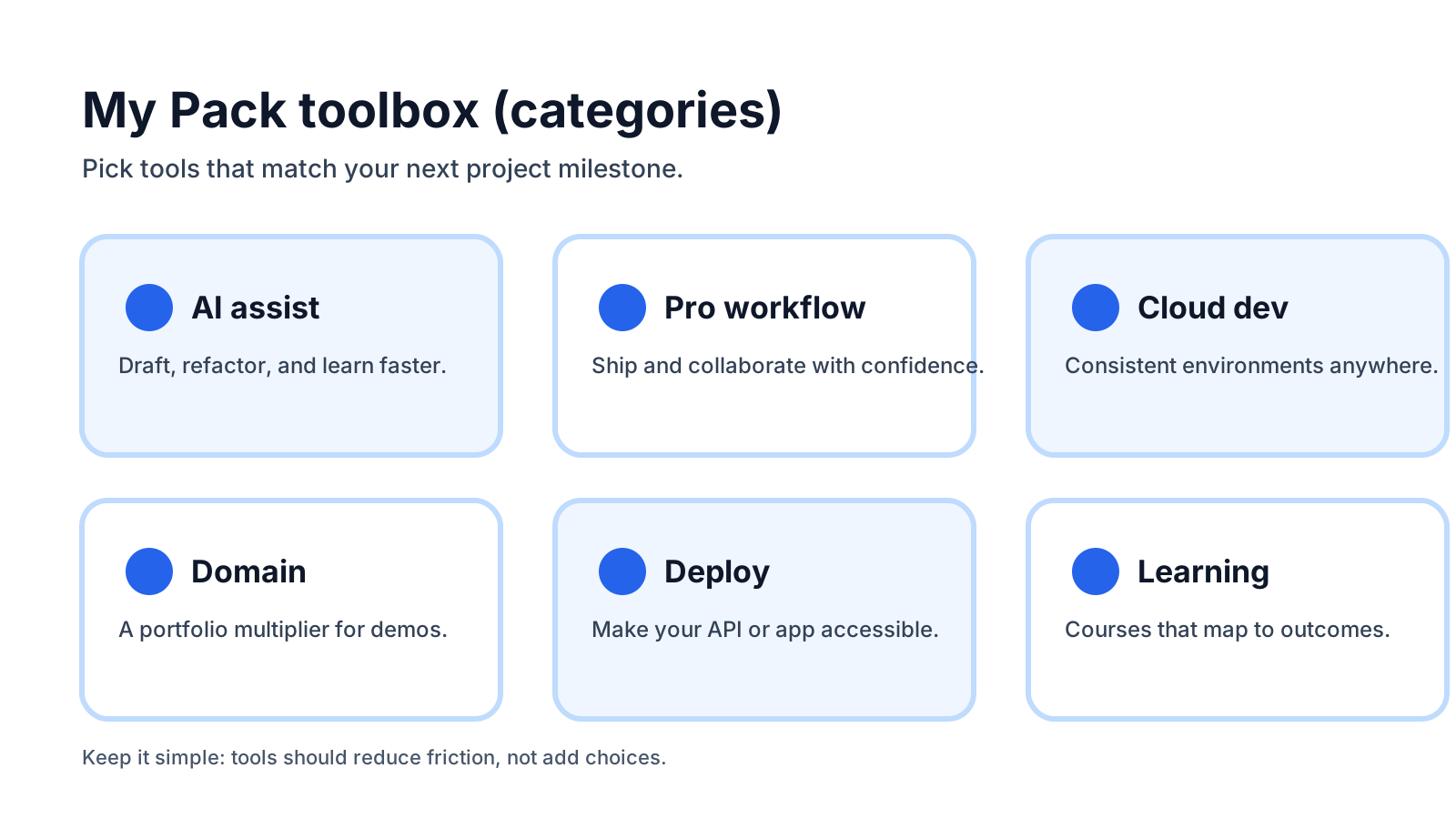
What I actually used
These are the benefits I personally focused on from the Pack:
GitHub Copilot
My main use: faster iteration while building real features (UI pieces, API handlers, refactors, and boilerplate). The key is to treat it like a speed tool—not a replacement for understanding.
GitHub Pro features
I used the Pro upgrade as my default GitHub setup while building and sharing projects.
GitHub Codespaces
Helpful when I wanted a clean, consistent environment and quick setup.
Heroku (PaaS)
I used Heroku for quick deployments while building full-stack projects—especially when I wanted to focus on shipping rather than server setup.
Notion
Used for organizing tasks, notes, and planning projects (especially when juggling multiple repos/projects).
IntelliJ (JetBrains)
Solid IDE experience when working on backend-heavy or typed codebases.
Name.com / Namecheap
Domains for a more professional presence: portfolio and project links that look real and are easy to share.
Educative + MongoDB training
Learning benefits I used when I wanted structured practice with a clear target (ship features or prep for interviews).
Important
I’m listing what I used, but your best picks depend on your projects. If you’re not deploying yet, domains/hosting can wait—grab Copilot/Pro/Codespaces first.
How to choose (simple framework)
If you’re building portfolio projects
Copilot + Pro + a domain. Make one clean landing page, one project demo, and one write-up.
If you’re building full-stack apps
Add Codespaces + a deploy option (like Heroku) so you can ship APIs and demos reliably.
If you’re focused on interviews
Prioritize Educative + database fundamentals (MongoDB training) and build one small but complete system to talk about.
Common mistakes
Claiming everything
It looks productive, but it usually creates zero output. Claim what you’ll use in the next 2–4 weeks.
Not using a domain
A domain makes your projects feel real and shareable. Even one clean domain is enough.
Learning without shipping
The best learning is anchored to a project. Learn → apply → publish.
Checklist
Use this checklist to claim the benefits that match your workflow.
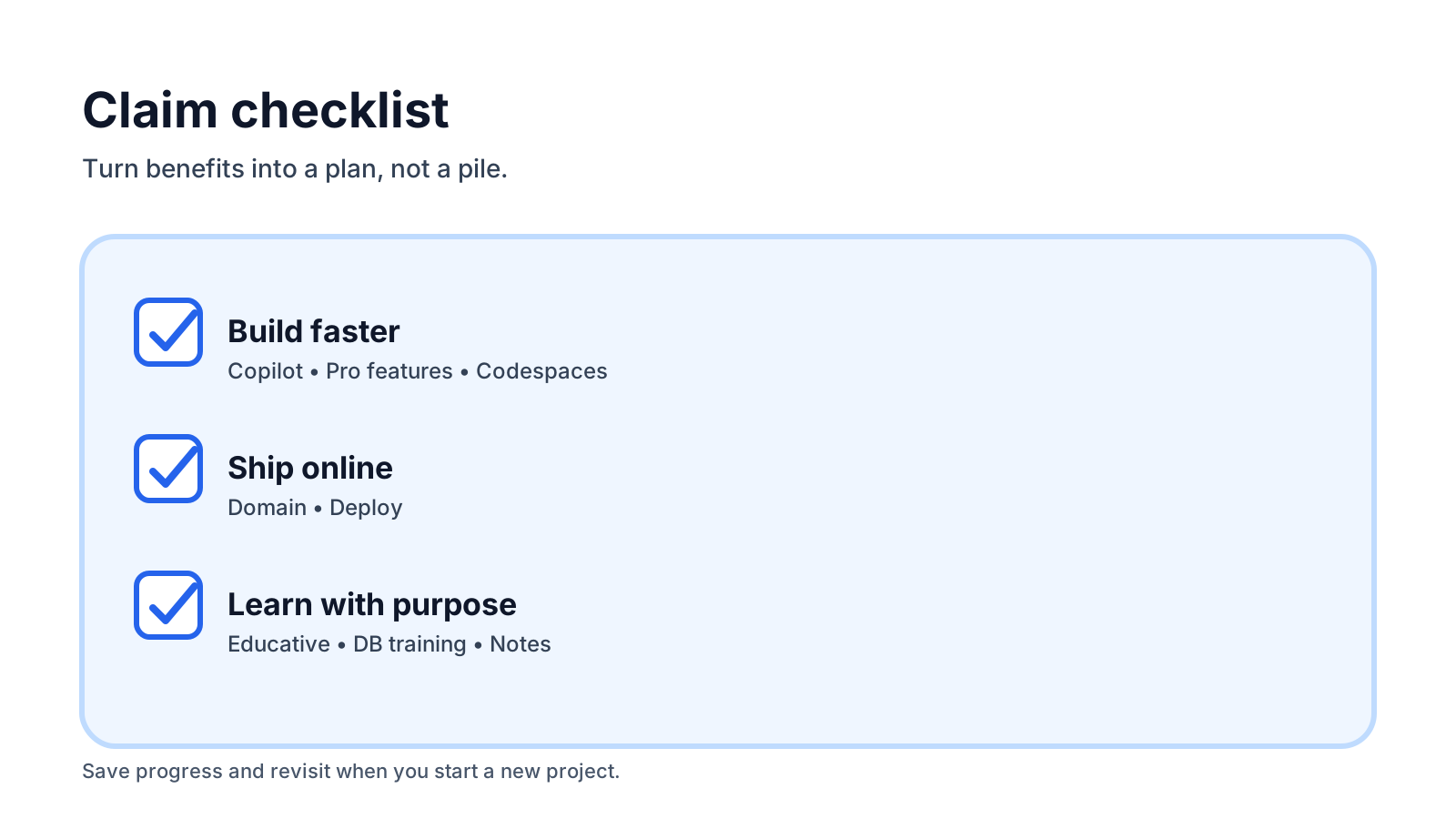
Claim Checklist
Track what you’ve claimed. This saves in your browser.
0 / 10 done
Build faster (daily drivers)
Ship online (deploy + domain)
Organize + learn (high leverage)